
Quick Answer
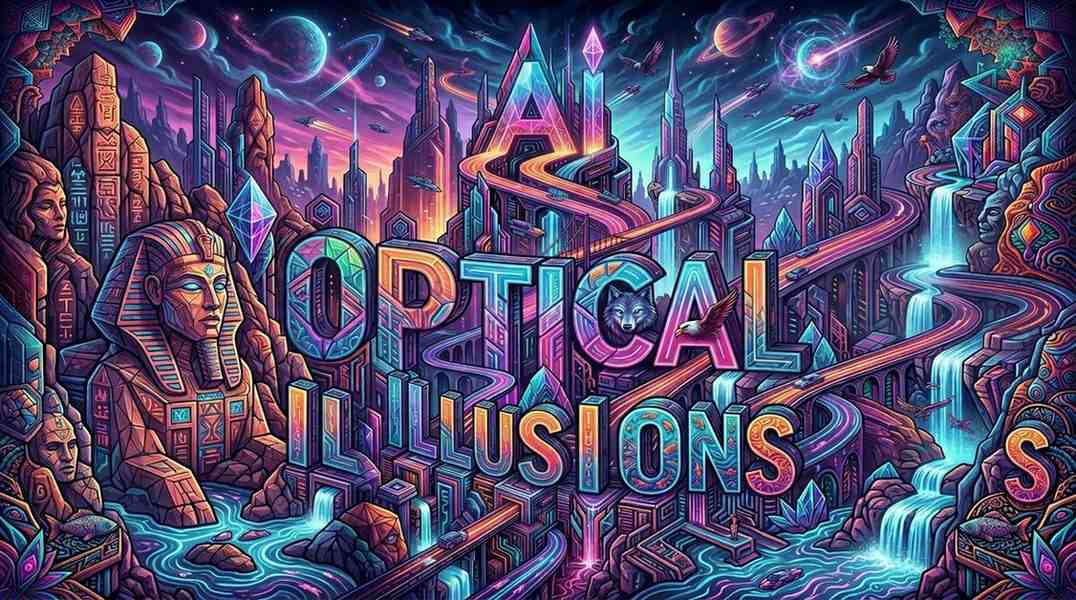
AI optical illusions are images made with tools like Midjourney or Stable Diffusion that trick your eyes. They often hide words or pictures you see only when you squint, move your phone away, or blur your focus. People love them for fun, and you can create your own in minutes with free online generators. They also help scientists study how brains and AI see the world.
Introduction
AI optical illusions grab your attention right away. These clever images use artificial intelligence to create hidden surprises that play tricks on your brain.
They matter because they blend fun entertainment with real insights into how we see the world. Whether you want to laugh at viral pictures or learn to make your own, this guide covers everything step by step.
What Are AI Optical Illusions?
AI optical illusions are pictures generated by artificial intelligence that fool your eyes. They often look normal at first glance. But hidden elements appear when you change how you look at them.
Many hide words like “OBEY” or “send nudes.” Others show faces or objects that pop out from patterns. Tools such as Midjourney, DALL-E, and Stable Diffusion make these images quickly from simple text prompts.
Classic artists like M.C. Escher and Bev Doolittle inspired this style long before AI. Now generative AI brings the idea to everyone. You do not need art skills. Just describe what you want, and the AI handles the rest.
Why AI Optical Illusions Work So Well
Your brain takes shortcuts to understand what it sees. These shortcuts create illusions when patterns trick it. AI copies some of those same shortcuts.
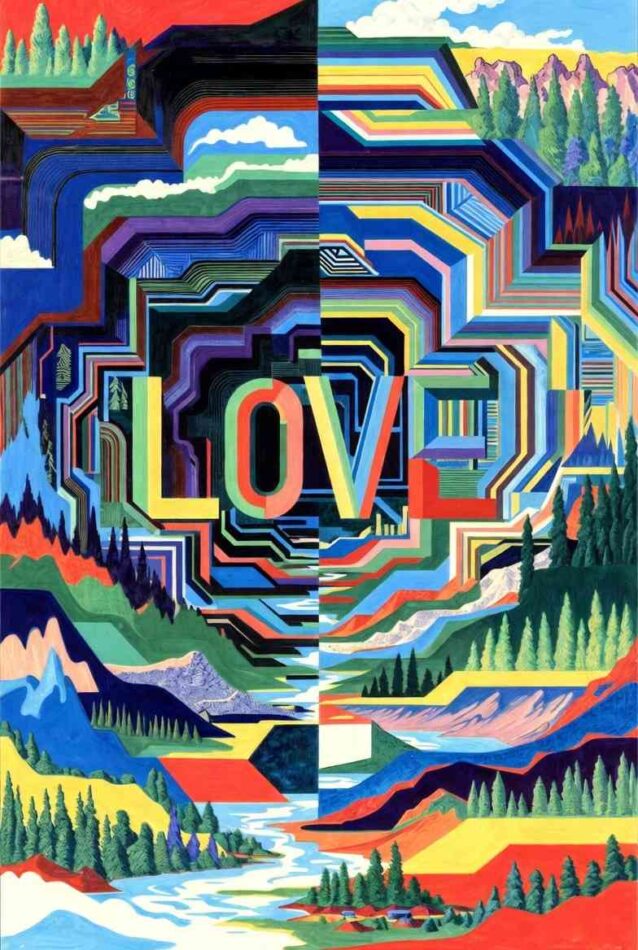
For example, moving your phone farther away reduces detail and reveals hidden shapes. Squinting blurs the image in a way that makes text or faces stand out. This works on phones, computers, and printed pictures.
Viral examples spread fast on social media because they are easy to share and fun to try with friends. They also show the power of new AI tools that exploded in popularity around 2023.
Top Examples of AI Optical Illusions
Here are some popular types you will recognize from viral posts.
- Hidden Words: Images that reveal “LOVE,” “dude,” or brand names like OBEY when you squint.
- Famous Art Twists: A version of “Girl with a Pearl Earring” where the earring hides until you adjust your view.
- Character Surprises: Hello Kitty, troll face, or Spyro Gyro that blend into busy scenes.
- Celebrity and Pop Culture: Elvis, Gigachad, or New York scenes with extra layers.
Try these yourself. Move your screen back or squint hard. Most people see the hidden part within seconds.
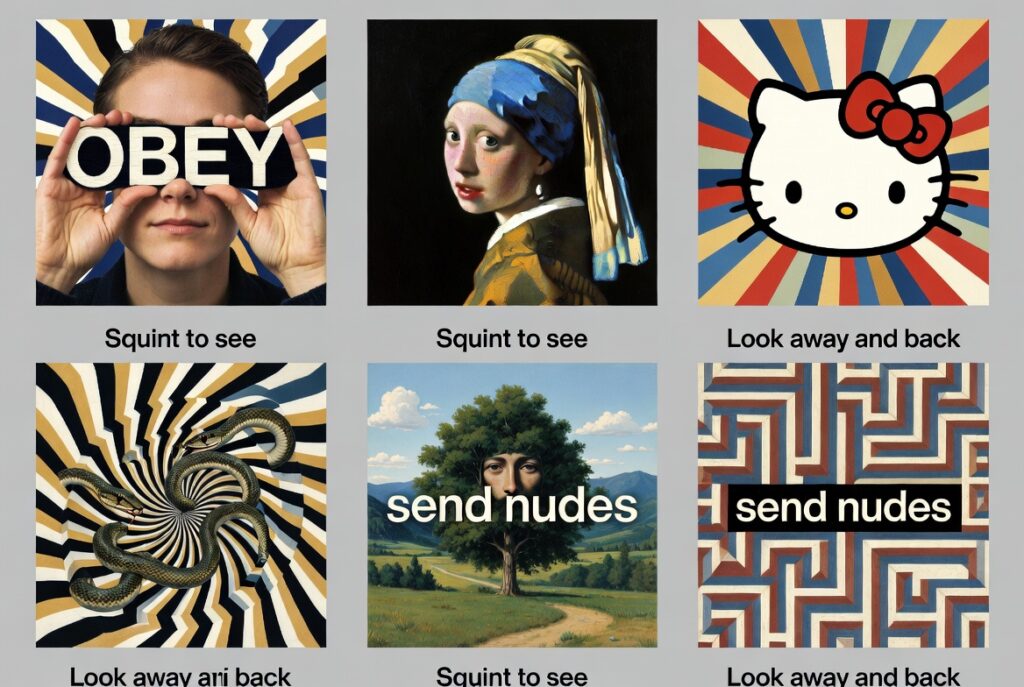
These examples come from creative users and artists who refine prompts many times. The best ones feel surprising yet natural.
How to Create AI Optical Illusions Yourself
You can make your own AI optical illusions without expensive software. Free tools work great for beginners.
- Go to a site like Illusion Diffusion on Hugging Face.
- Upload a starting image or describe one in text.
- Add a prompt like “hidden word illusion, squint to see secret message.”
- Choose strength settings and generate.
- Download and test by squinting or stepping back.
For more control, try Stable Diffusion with ControlNet. This lets you guide shapes and patterns closely. Midjourney works well too with detailed prompts that mention perspective, blur, or hidden elements.
Practice makes it easier. Start simple. Use words like “Escher style,” “hidden face in landscape,” or “multi view illusion.” Revise your prompt if the first try does not work.
If you want to explore more AI-enabled tools for creative and technical projects, check out this guide: Which AI-Enabled Tools Should I Use?
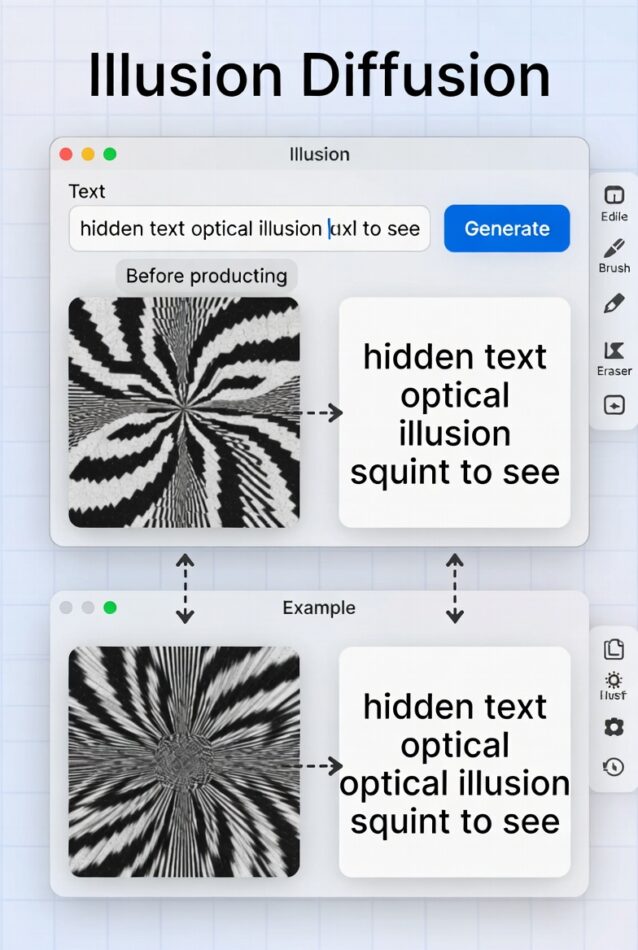
Many creators share their prompts online. Experiment with your own photos to turn logos or portraits into illusions. It takes only a few minutes once you get the hang of it.
The Science: How AI Experiences Optical Illusions
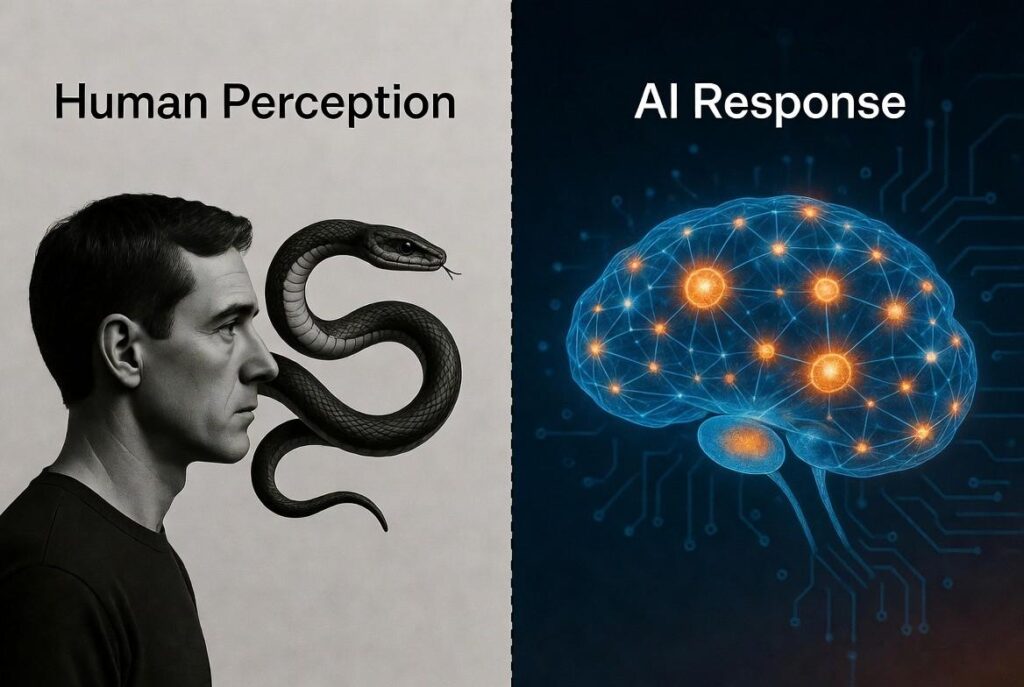
Scientists study AI optical illusions to learn more about human brains. Some AI models fall for the same tricks we do.
Deep neural networks (DNNs) like PredNet react to illusions such as rotating snakes. These patterns look like they move even though they stay still. AI researchers test models with Kanizsa square, Necker cube, and Rubin vase illusions.
One study used quantum tunneling in AI to better match human perception. Work by Eiji Watanabe and Ivan Maksymov shows interesting overlaps between machine vision and brain shortcuts.
Astronauts on the ISS notice different visual effects too. Comparing human and AI responses helps experts understand predictive coding in our minds.
This research matters for psychology, art, and even safer self-driving cars that need reliable vision.
This research connects to broader developments in AI. For the latest updates in AI operations, you may like AIOps News.
Tips and Advanced Techniques for Better Results
Create stronger illusions with these ideas.
- Combine multiple views: Make images that change when flipped upside down or viewed in black and white.
- Use high contrast and simple patterns at first.
- Add specific artists: Mention “Bev Doolittle hidden images” or “Rob Gonsalves style” in prompts.
- Test on different devices: What works on a phone may look different on a big screen.
- Refine with iterations: Most good illusions need 5 to 20 prompt changes.
Try advanced types like QR code illusions, ambigrams, or triple-view effects. Tools improve every year, so check new updates in 2026.
Share your creations online. Many communities enjoy remixing each other’s work.
If you are interested in using AI for coding custom tools or scripts (including illusion generators), read: Best AI for Python Coding
Common Questions About AI Optical Illusions
Q1. How do I see hidden images in AI optical illusions?
Move your device away from your face or squint to blur details. This lets your brain fill in the hidden parts.
Q2. What free tools can I use to make AI optical illusions?
Illusion Diffusion on Hugging Face is one of the easiest. Stable Diffusion web tools and Midjourney also work well.
Q3. Can AI really experience optical illusions like humans?
Yes, some models do. Researchers test them with classic illusions and find surprising similarities.
Q4. Are these illusions good for social media?
They perform very well. People love to try them and share reactions.
Q5. What AI tools create the best hidden text illusions?
Stable Diffusion with ControlNet gives strong control. Illusion Diffusion specializes in this style.
Q6. Will AI optical illusions keep getting better?
Yes. New models in 2025 and 2026 add more realistic effects and easier controls.
Q7. How long does it take to create one?
Beginners make their first good one in 10 to 20 minutes. With practice, it gets faster.
Conclusion
AI optical illusions offer simple fun and surprising depth. You can enjoy viral examples in seconds or create your own with free tools. They also teach us about vision in both people and machines.
Start with easy generators and experiment. Try different prompts and share what you make. The field grows fast, so new tricks appear often.
Have fun exploring these mind-bending images. Which hidden surprise will you find first? Try one right now and see the magic for yourself.
