
Introduction
The best AI for Python coding in 2026 can make you much faster at writing, fixing, and improving code. These smart tools now understand full projects, suggest changes across many files, and help with complex tasks like web apps or data analysis.
Python stays popular for web development, data science, automation, and machine learning. With new AI assistants, you spend less time on boring parts and more on creative work. In this detailed guide, you will learn about the top tools, see clear comparisons, and get practical advice based on real use. I have hands-on experience with Claude.ai, Lovable.dev, Bolt.new, and Replit. This helps me share what truly works.
You will find answers to common questions like which tool suits beginners, large codebases, or specific libraries such as Pandas and FastAPI. By the end, you will know how to pick the right AI and use it well.
For more on AI trends, check our AIOps news roundup.
How We Evaluated the Best AI Tools for Python Coding
I tested these tools on real Python projects over many months. My background includes building web apps with Django and FastAPI, data pipelines with Pandas and PyTorch, and quick scripts. I also used Claude.ai directly, built prototypes on Lovable.dev and Bolt.new, and tried Replit for fast experiments.
We looked at several important points. First, code quality: Does the AI follow PEP 8 rules, use proper typing, and handle Python libraries well? Second, context understanding: Can it work with large codebases and multiple files? Third, integration with editors like VS Code or PyCharm.
We checked pricing, speed, accuracy, privacy, and real benchmarks like SWE-Bench results from 2026. Tools with strong agentic features scored higher. Developer feedback from forums and surveys also mattered. No tool is perfect for everyone. The best AI for Python coding fits your workflow, budget, and project type.
Quick Answer
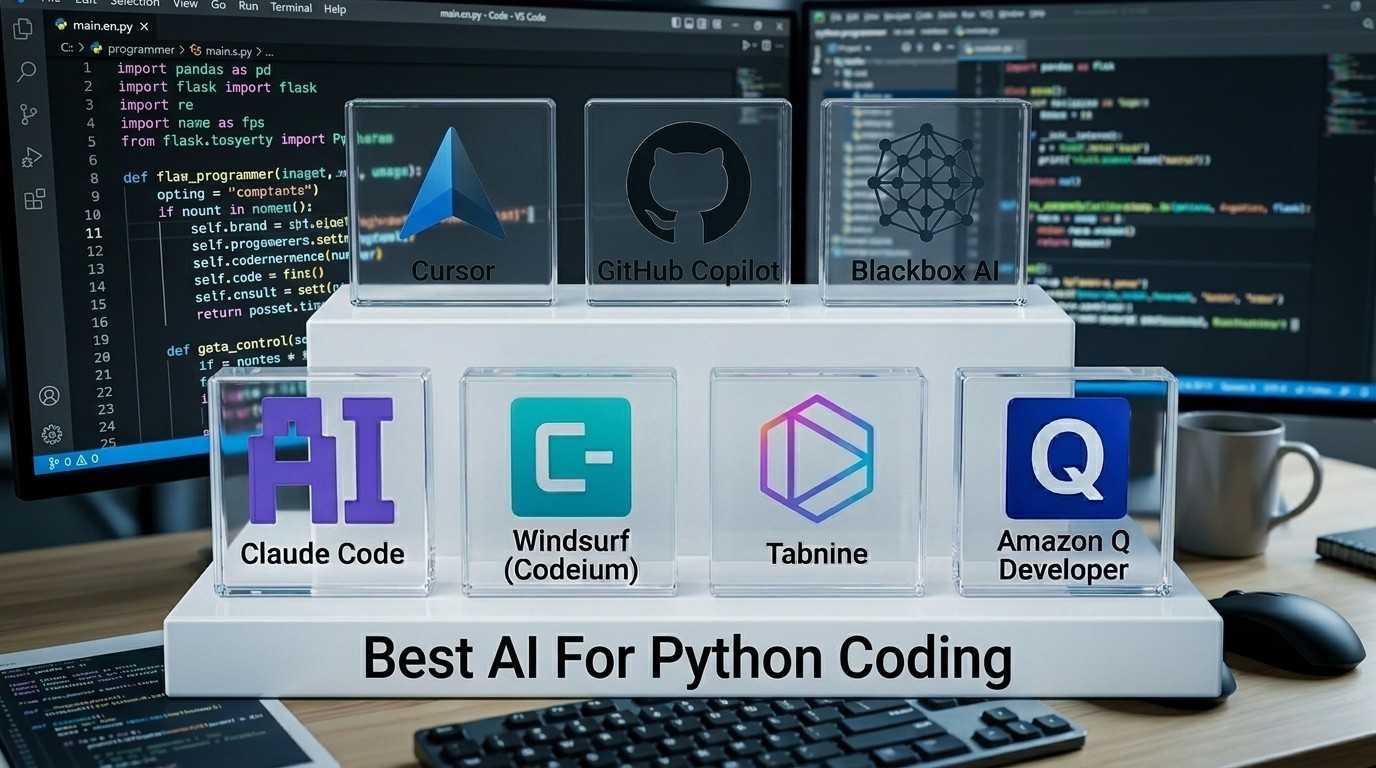
The best AI for Python coding in 2026 is Cursor for most developers due to its project-wide understanding and agent mode. Claude Code leads for complex reasoning and debugging. Windsurf is the best free option. Blackbox AI suits beginners and privacy-focused users. Your best choice depends on your project type and budget.
Quick Comparison Table of Top Tools
| Tool | Best For | Pricing (2026) | Context Window | Key Python Strengths | Overall Score |
|---|---|---|---|---|---|
| Cursor | Complex projects and refactoring | Free / $20 Pro | Large multi-file | Repository reasoning, Django/FastAPI | 9.2 |
| GitHub Copilot | Everyday coding and teams | $10 to $19/mo | Good | Library support (Pandas, NumPy) | 8.8 |
| Claude Code | Deep reasoning and debugging | Usage-based (~$20+) | Up to 1M tokens | Complex logic, terminal workflows | 9.5 |
| Windsurf (Codeium) | Free users and fast completion | Free / $12 Pro | Strong | Quick suggestions across IDEs | 8.5 |
| Blackbox AI | Beginners and privacy focus | Free / $4.99 Pro | Good | Code search, fast suggestions, privacy | 8.0 |
| Tabnine | Enterprise and privacy | Free / $12+ Pro | Good | Self-hosted, team controls, secure | 8.2 |
| Amazon Q Developer | AWS and cloud projects | Free / Pay-per-use | Good | Boto3, Lambda, AWS integration | 7.8 |
This table gives a fast overview. Scores come from 2026 tests, SWE-Bench gains, and practical use.
Detailed Reviews of the Best AI Tools
Cursor AI
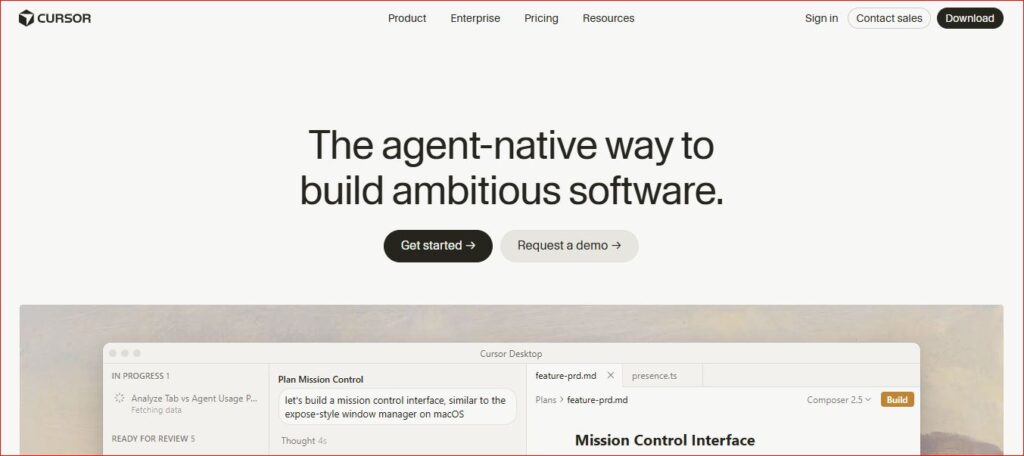
Cursor feels like VS Code but built for AI from the start. It shines at understanding your entire project. You can highlight code and type natural instructions like “refactor this Django view to use FastAPI style.”
In my tests, Cursor handled repository-wide changes well. For a medium-sized web app, it updated models, views, and tests across files in one go. Agent mode lets it plan and apply bigger features. It works great with Claude models inside it.
Pricing starts free for basic use. Pro costs about $20 per month. Many developers report 30 to 40% faster work on Python projects. It supports strong Python features like async code and type hints. If you work on larger codebases, try Cursor first.
Pros: Best project-wide understanding, powerful agent mode, supports top models
Cons: Heavier than a simple plugin, takes time to learn
GitHub Copilot
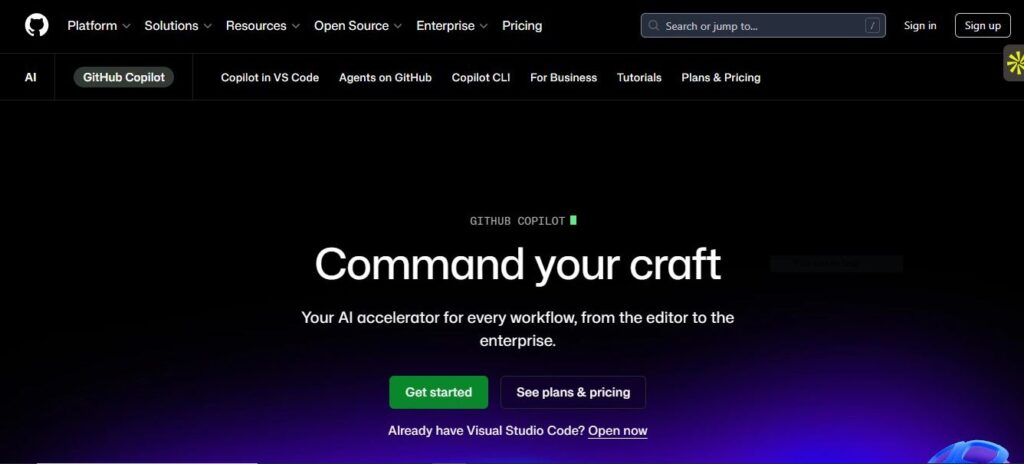
This tool brings smart autocomplete right into your editor. It knows popular Python libraries very well. Write the start of a Pandas data cleaning function, and it suggests the full code with good practices.
It integrates smoothly with VS Code, PyCharm, and others. Recent 2026 updates added better agent features. Pricing runs $10 to $19 per month. It suits teams already using GitHub Copilot. In daily scripting and web work, it saves time on boilerplate. It is reliable for standard tasks but sometimes needs more guidance on complex logic.
Pros: Excellent IDE integration, strong library knowledge, team-friendly
Cons: Less powerful for full project-wide tasks compared to Cursor
Claude Code
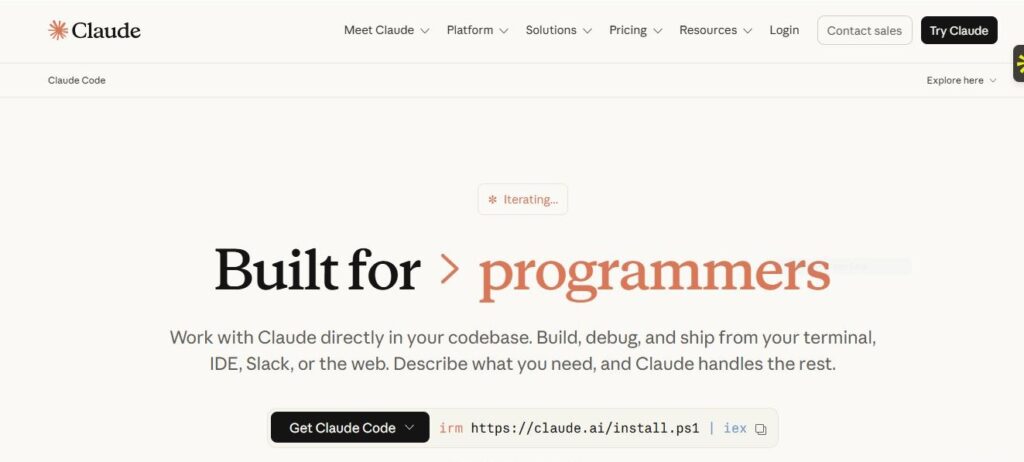
Claude Code stands out for smart thinking. It excels at debugging tricky problems, writing tests, and explaining code step by step. With a huge context window up to 1 million tokens, it remembers more of your project.
I have used Claude.ai a lot for Python work. On Lovable.dev and Bolt.new projects, it helped turn ideas into working code quickly. In terminal mode, you give natural language tasks like “build a FastAPI endpoint with authentication and tests.” It plans steps, writes code, runs commands, and fixes issues.
It feels like a careful senior developer. Great for data science with Pandas or PyTorch. Access it via claude.ai, inside Cursor, or the CLI. Costs depend on usage but deliver high quality.
Pros: Best reasoning, massive context window, great for complex debugging
Cons: Cost can grow with heavy terminal use
Related reading: Explore more in our AI Chatbot Conversations Archive for real examples and use cases.
Windsurf (formerly Codeium)
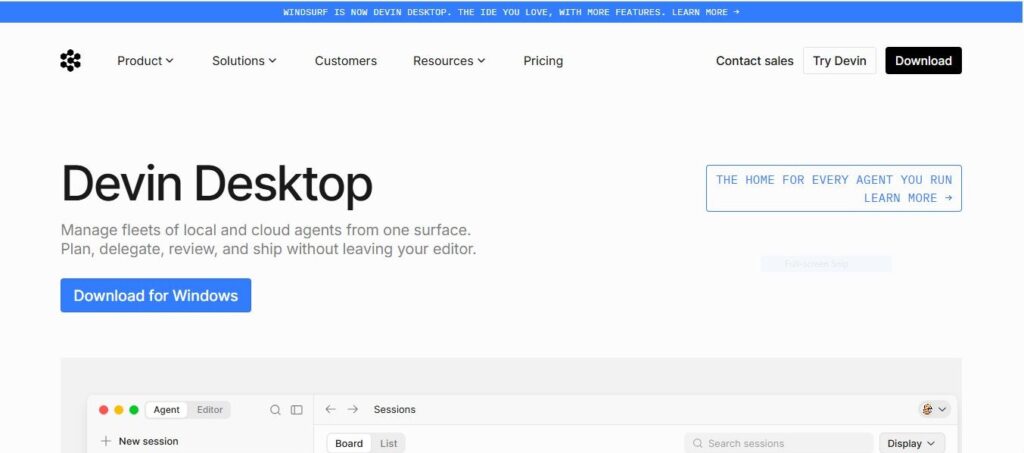
Windsurf offers excellent free features. It provides fast code completion and chat across many IDEs. It is the best free AI for Python coding for most users.
It handles Python well and supports agent-like flows in paid plans. Many beginners and solo developers start here. In Replit experiments, similar free tools sped up prototyping. Windsurf gives strong value without high costs.
Pros: Strong free tier, multi-IDE support, fast completions
Cons: Advanced agentic features need paid plan
Blackbox AI
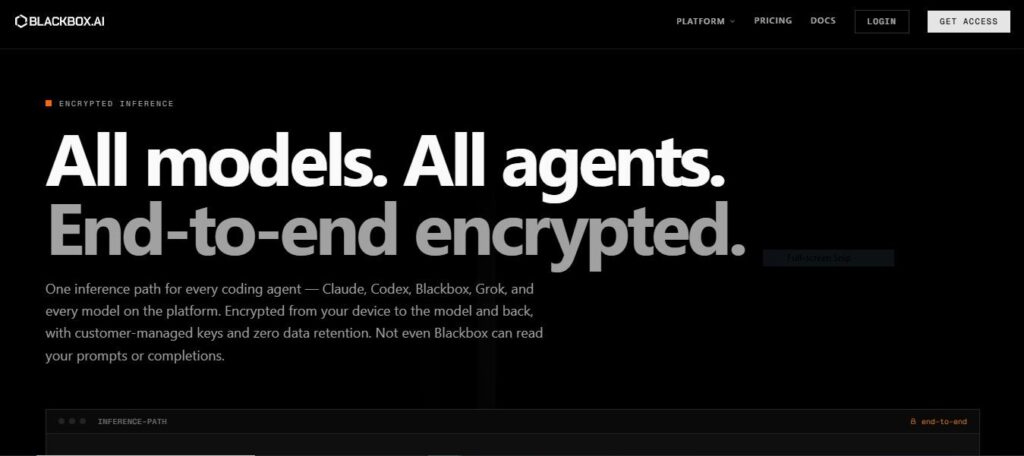
Blackbox AI is a lesser-known tool that deserves attention. It focuses on fast code search and generation directly in your editor. A big selling point is its strong privacy focus. It does not store your code by default, which matters for sensitive projects.
For Python developers, Blackbox AI offers quick autocomplete and inline chat. It can generate full functions from comments, search its large code database for examples, and explain existing code. The free tier is generous. Pro plans start at around $4.99 per month, making it one of the most affordable options in 2026.
It works well inside VS Code. It handles Python basics and popular libraries cleanly. It is a great choice for beginners learning Python or developers who want a lightweight, private tool without heavy setup.
Pros: Strong privacy focus, affordable pricing, generous free tier, code search feature
Cons: Less powerful for large multi-file projects, smaller community than Copilot
Tabnine
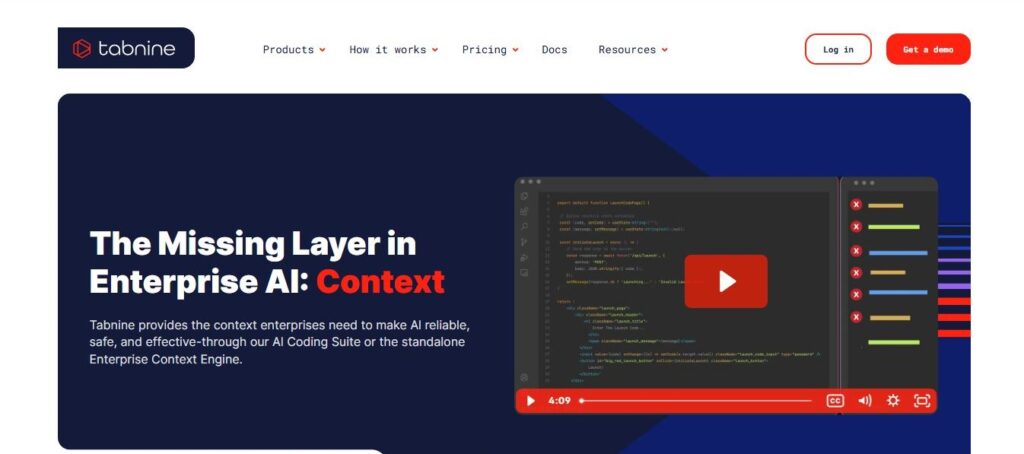
Tabnine is built with enterprise teams in mind. Its biggest advantage is the ability to run entirely on your own servers. This means your code never leaves your environment. For companies handling sensitive data or working in regulated industries, this matters a lot.
For Python developers, Tabnine provides solid autocomplete and context-aware suggestions. It learns from your team’s own codebase over time, so suggestions improve and stay consistent with your coding style. This is a feature most other tools do not offer at the same level.
Pricing has a free tier for individuals. Team and enterprise plans vary. It integrates with VS Code, PyCharm, IntelliJ, and others. It is not the fastest or most creative tool, but it is reliable, consistent, and private.
Pros: Self-hosted option, learns your team’s codebase, strong enterprise compliance
Cons: Weaker creative suggestions compared to Cursor or Claude Code
Amazon Q Developer
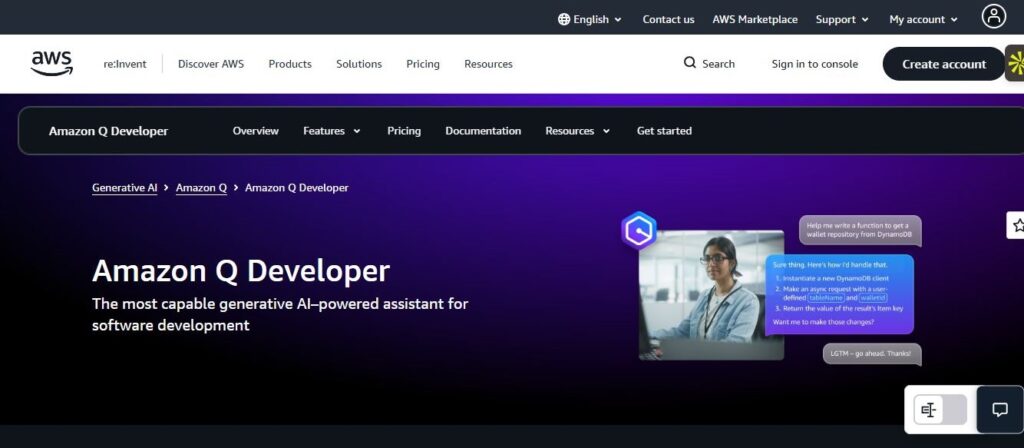
Amazon Q Developer is the best choice if you work heavily with AWS services. It integrates directly into VS Code and JetBrains. It understands AWS-specific Python libraries like Boto3, Lambda handlers, and CDK configurations.
Beyond autocomplete, Amazon Q can scan your code for security issues and suggest fixes. It also handles Python transformations and upgrades, like moving from Python 3.8 to 3.12. For teams building on AWS, it saves real time.
The free tier is available for individual developers. Paid plans are usage-based. Outside of AWS projects, it is less useful than Cursor or Copilot. But for cloud-focused Python work, it is hard to beat.
Pros: Deep AWS and Boto3 integration, security scanning, code upgrade support
Cons: Limited value outside AWS ecosystem
Best AI for Python Coding by Use Case
Web Development with Django, FastAPI, or Flask
Cursor leads for bigger apps. It understands routes, models, and database connections across files. GitHub Copilot handles quick endpoints well. Claude Code helps with complex business logic.
Data Science and Machine Learning
Claude Code and Cursor shine with Pandas, NumPy, PyTorch, and Jupyter-style work. They generate data pipelines, model training code, and visualizations.
Scripting and Automation
Claude Code in the terminal wins here. You describe the task, and it writes and tests the script.
Large Codebases and Refactoring
Cursor and Claude Code handle multi-file edits best. Tabnine also performs well for team codebases.
Beginners and Learning
Start with Blackbox AI or Windsurf free tier. They explain code gently. Replit Ghostwriter and Bolt.new are also great for learning.
Enterprise, Privacy, and Security Tabnine with self-hosting is the top pick. Blackbox AI is a lighter privacy-friendly option.
Enterprise, Privacy, and Security
Tabnine with self-hosting is the top pick. Blackbox AI is a lighter privacy-friendly option.
Cloud and AWS Projects
Amazon Q Developer is the clear winner.
Key Factors to Consider When Choosing
Several points matter when picking the best AI for Python coding.
- Pricing: Free tiers suit light use. Paid plans range from $4 to $200 per month. Blackbox AI starts at $4.99, making it very affordable.
- IDE Integration: Cursor replaces your editor. Others plug into VS Code or PyCharm.
- Context and Codebase Awareness: Look for large windows (1M tokens) and multi-file support.
- Speed vs Accuracy: Fast tools may need more review. Claude often gives higher quality.
- Privacy and Security: Tabnine and Blackbox AI win for sensitive code.
- Python-Specific Features: Good support for async, typing, decorators, and frameworks.
- Team Use: Copilot and Tabnine offer enterprise compliance.
Test on your own tasks. Most tools have free options.
How to Get Started and Maximize Productivity
Start simple. Install Cursor or the Copilot extension in VS Code. Open a Python file and try autocomplete. Then use chat for bigger help.
Step-by-step example:
- Open your project.
- Highlight a function.
- Press the shortcut and type: “Improve this with type hints and error handling.”
- Review the changes and test.
Good prompts make a big difference. Say “Write clean PEP 8 Python code with comments for a FastAPI user registration endpoint” instead of vague requests.
From my experience on Lovable.dev and Bolt.new, combining tools works well. Use Copilot for quick suggestions and Claude for architecture advice. Track your time. Many developers see 40 to 55% gains.
Advanced tips: Create project rules for consistent style. Use agent mode for full features. Always run tests after AI changes. Mix AI with your knowledge to keep skills sharp.
Common Challenges and How to Overcome Them
AI can sometimes suggest wrong code. Always test and review. Break big tasks into small steps to avoid context loss.
Costs rise with heavy use. Monitor usage and choose plans wisely. Privacy worries exist with cloud tools. Use Tabnine or Blackbox AI when needed.
Over-reliance can slow learning. Treat AI as a helper, not a replacement. For juniors, use it to learn by asking for explanations. Hallucinations happen less in 2026 but still check all outputs.
The Future of AI for Python Coding
In 2026 and beyond, expect more agentic tools that finish whole features autonomously. Local models will improve privacy and speed. Python-specific improvements will make library support even better.
Hybrid teams with humans and AI will become normal. Tools will integrate more tightly with deployment and testing. Stay updated and keep practicing core skills. The best developers will combine AI power with strong understanding.
FAQs
Q1. What is the best AI for Python coding in 2026?
Cursor often wins for most developers due to its editor and project understanding. Claude Code leads for complex reasoning. Many pros use both.
Q2. What is the best free AI for Python coding?
Windsurf (Codeium) gives strong free features. Blackbox AI also has a generous free tier. Cursor and Copilot free tiers also help.
Q3. What is Blackbox AI and is it good for Python?
Blackbox AI is a privacy-focused AI coding tool. It is great for beginners and developers who want fast suggestions without sharing their code. It supports Python well and has affordable pricing starting at $4.99 per month.
Q4. Cursor vs GitHub Copilot for Python — which is better?
Cursor handles large projects and refactoring better. Copilot offers lighter, flexible integration. Try both on your own projects.
Q5. Which AI works best for Django or FastAPI?
Cursor excels with full project changes. Claude Code helps with logic and tests.
Q6. Can AI write complete Python programs?
Yes, it can generate large parts. You still need to plan, test, and review for production use.
Q7. Are these tools safe for work code?
Check each tool’s policy. Tabnine offers self-hosted options. Blackbox AI does not store code by default. Enterprise tools like Copilot provide compliance certificates.
Q8. What about data science projects?
Claude Code and Cursor work great with Pandas and PyTorch. They speed up pipelines and analysis.
Conclusion
The best AI for Python coding in 2026 changes how you work. Tools like Cursor, GitHub Copilot, Claude Code, Blackbox AI, and Tabnine each serve different needs. Whether you want the cheapest option, the most private tool, or the most powerful reasoning, there is a good match for you.
Start with a free tier today. Test on a small task from your current work. Combine tools where it makes sense. Review AI suggestions carefully and keep learning.
For more guidance on choosing the right AI tools, don’t miss Which AI-Enabled Tools Should I Use?
You will write better Python code with less effort. Try one tool this week and see the difference. Share your experience or ask questions below. Happy coding!
