





Category: Tutorials
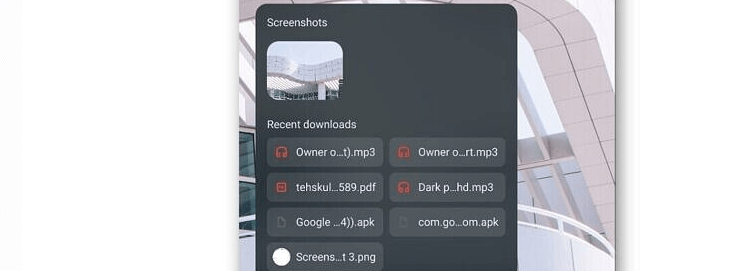
How To Do Holding Space in Chrome OS?
Google has introduced a new feature in Chrome OS, which is called Holding Space. This feature is specifically designed to provide Chrome book users, quick access to screenshots, and downloaded files. If someone has the recent version of Chrome OS, then they will be able to use this feature. The main objective of this feature…
How to Save Single Page From Any PDF Document?
First of all, we have to understand what basically is a PDF file? A file with a file extension of .pdf is called a Portable Document Format (PDF) file. PDFs are mostly used to distribute read-only documents that protect the layout of a page. They are most commonly used for documents such as user manuals,…
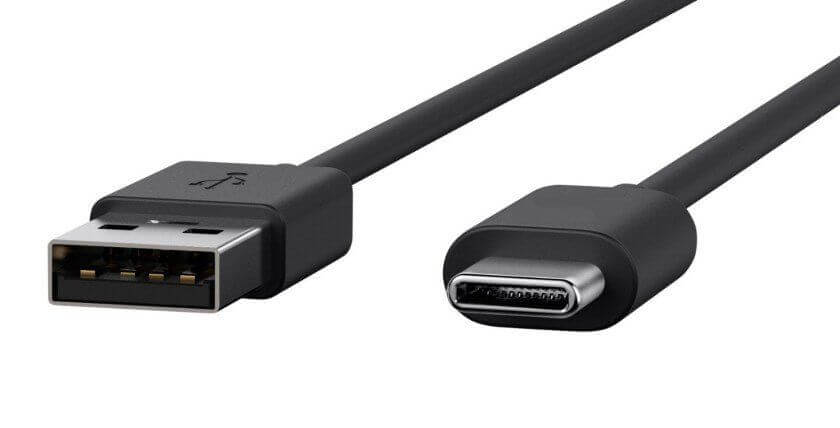
Understanding USB-C vs USB-3: What is the Difference?
When you are talking about USB-C vs USB 3, what is the difference between the two? USB-C tells you the shape and hardware abilities of the cable connector. While on the other hand USB 3 tells you the data transfer protocol and speeds of the cable. The following are the detailed differences and what you…
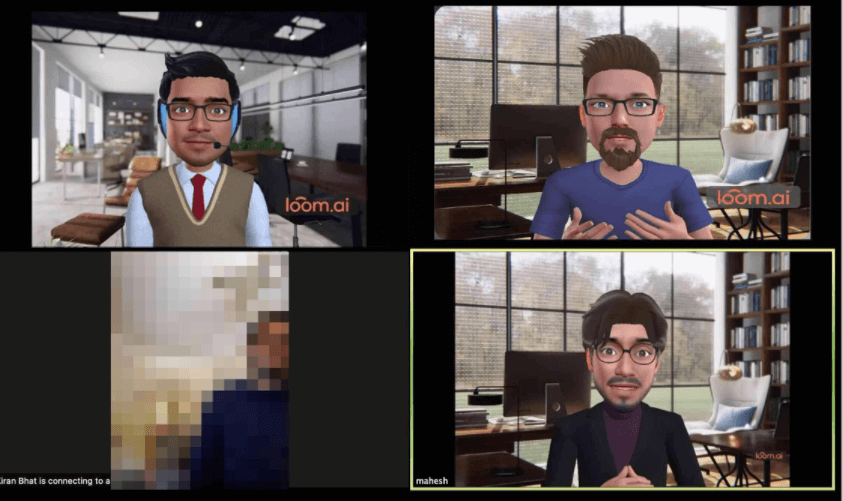
How to Create a Loomie 3D Avatar for Zoom Meetings
This pandemic has created a need for teachers and students to interact online, and continue the process of learning. Even though it is not easy to get used to learning without physical classrooms, online learning is the only way to make sure that learning doesn’t stop. Zoom has many features, not only for students, and…
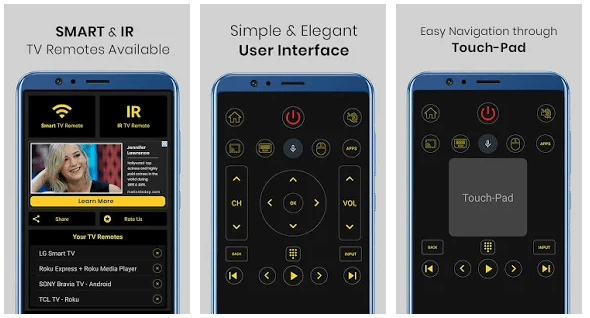
How to Set-up and Use a Universal Remote Control
Imagine you have the remote control in your hand, and the channel suddenly changes! Let’s get started! This is no horror show, but a Universal TV Remote app, which someone else living with you has downloaded. This could soon turn into a joke, but such apps can be really helpful. If you download the Universal…