





Category: Tutorials

How To Delete AutoFill On Chrome?
I assume all of you guys here want to know how to enable and manage the Autofill feature on your Google Chrome, right? When it comes to talking about the perks of using Google Chrome, this is the Autofill feature is one of them. Google Chrome does this on all the devices you use it…
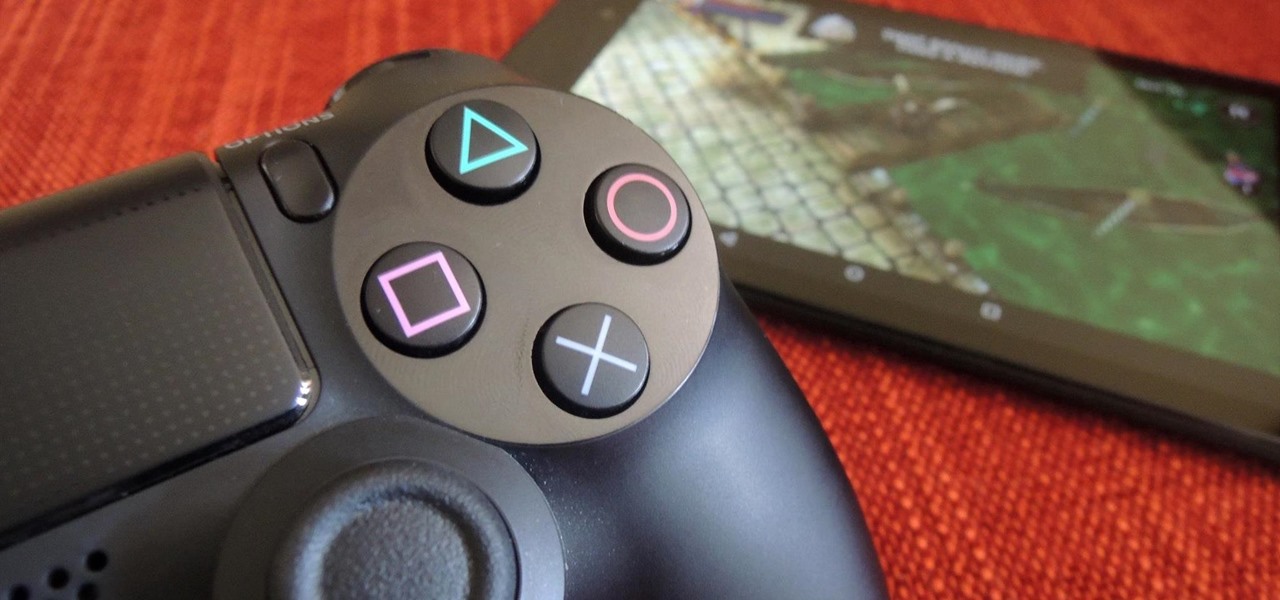
How To Hook Up PS4 Controller To PC?
Some games only work better with the console controller so Hook up the PS4 controller to the PC. So, if you’re looking for ways to connect a PS4 controller to a PC for a racing game, or if you’re usually more comfortable with a traditional keyboard and mouse combo, we have you right now. Need…
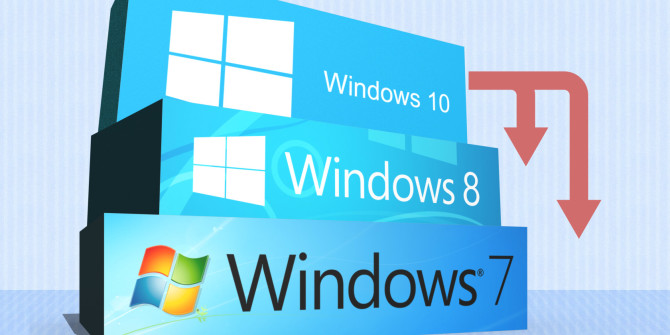
How To Downgrade From Windows 10 To Windows 7?
If you’ve downgraded from Windows 10 to Windows 7- haven’t installed clean, but have an upgrade, you have a handy option that lets you go back to the latest version of Windows. To access it, press Windows + I to open the Settings app, click the “Update and Security” icon, and then switch to the “Recover”…
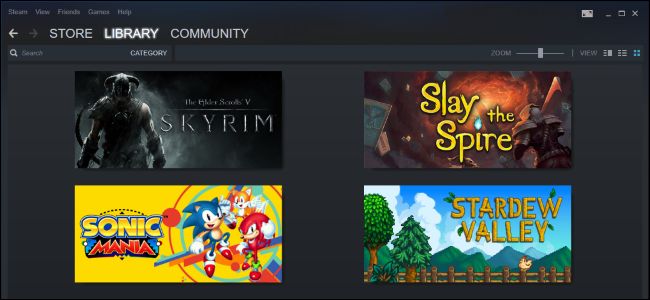
How to Hide Games on Steam
Steam is a platform for playing, discussing, and creating games. It is an ultimate destination, where gamers can see who else is online, and what games they are playing. Let’s hide games on steam. There are so many games, which users can instantly access. Steam has about 30,000 games, where gamers can enjoy everything from…
How to Check GPU Temperature?
GPU is a graphics processing unit, which is usually found on video cards. Every PC uses a GPU to render pictures, videos, and 2D and 3D animations. Check GPU Temperature? A GPU is responsible for performing quick math calculations, which gives the CPU more time to do other things. A CPU uses some cores, which…