





Category: Tutorials
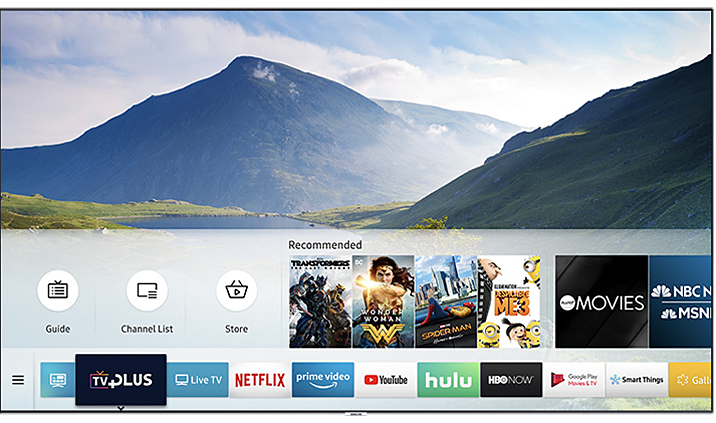
How to Turn off closed captioning on Samsung TV
Closed captions are extremely useful as they cater to the need of people with hearing difficulties. They are also a perfect choice for listening to your favorite show carefully even when you are sitting in a big crowd. You can binge-watch your favorite series in one night as the closed captions will be useful in…
How to Screen Mirror iPhone to Sony TV
When you are planning to buy a new device then you should consider how to use the device with other devices. If you have a Sony TV, then you can connect it to your iPhone and screen mirror it on your Sony TV. iPhone is capable of screen mirroring with a Sony TV. You can…
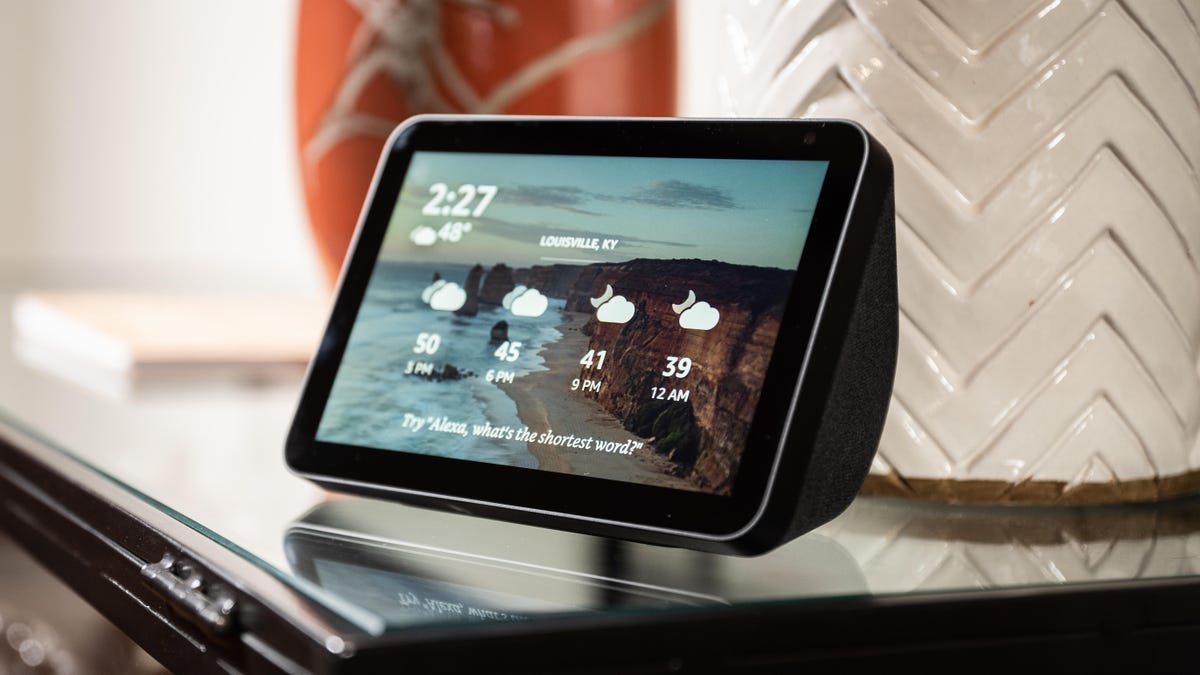
How to Change the Background on Echo Show
Many people get bored of the background on the Echo Show and they desperately want to change it. Knowing this kill might not be an exceptional Alexa skill but it certainly will allow you to give your Echo show a brand new and visually appealing look. By changing the background, you can personalize your device…
How to Connect Philips TV to Wi-Fi
Philips TV is one of the best Smart TVs on the market. If you are facing challenges while using the TV then you should read this post. If you want to connect your Philips TV to WiFi then we will share easy methods to help you connect your Philips TV to your Wifi. Is Philips…
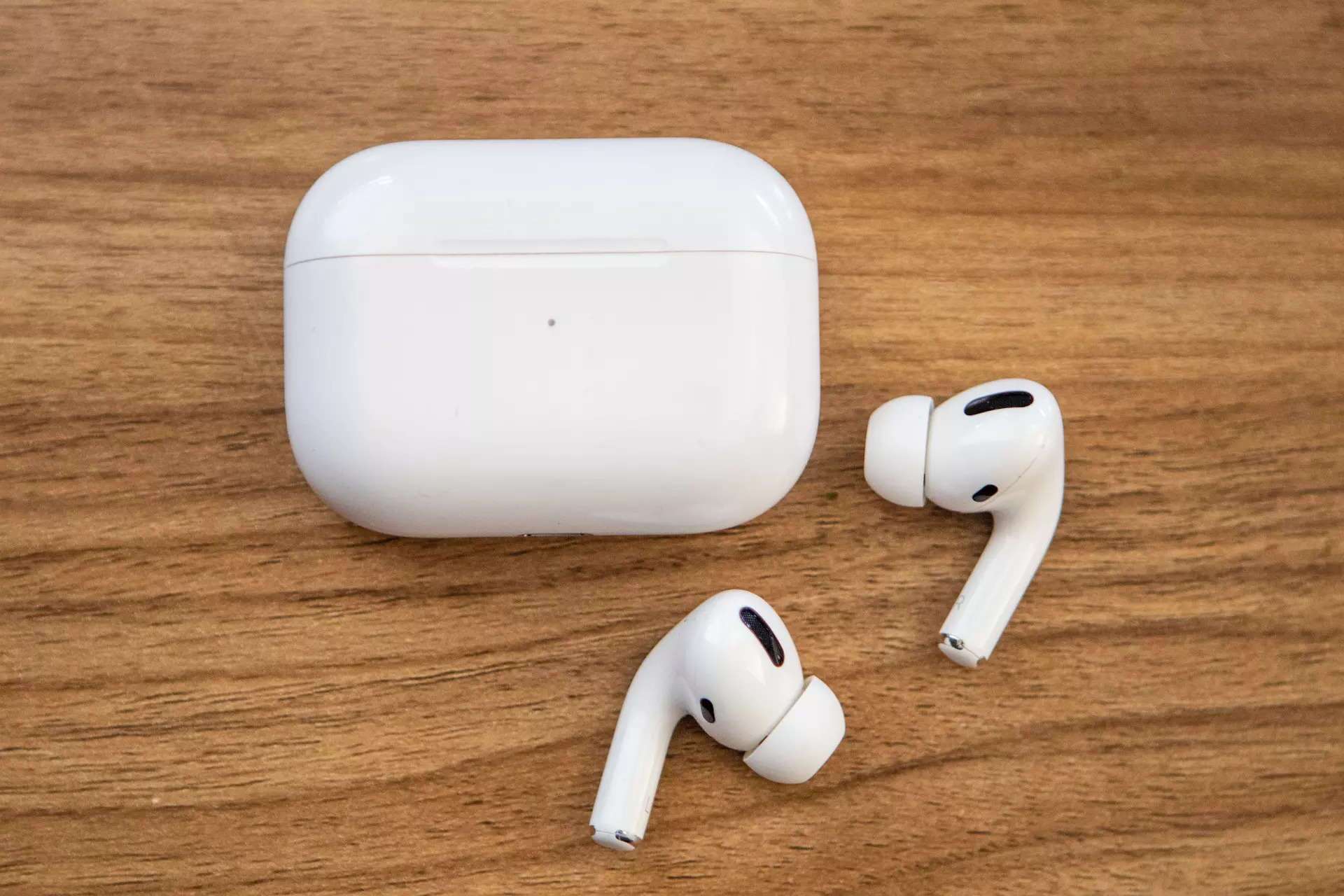
How to Connect Apple AirPods to Samsung TV
People all over the world are in love with Apple AirPods because of their ability to connect to all the devices that support Bluetooth. The good news is that you can connect your Apple AirPods to your Samsung smart TV as well. If you want to connect your Apple AirPods to your Samsung TV, then…