





Category: Tutorials

5 Ways To Download Google Meet for PC and Mac
Ever since the pandemic, online apps like Google Meet and Zoom have gained immense importance. This is mainly because people need a reliable platform to communicate with each other. They need a platform that won’t take much time loading, and directly forms a connection with the other party. Whether it is a business meeting or…
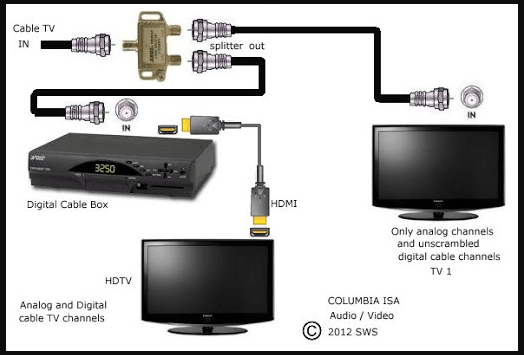
How to Unscramble Digital Cable Channels
Do you ever miss your favorite shows due to the loss of your TV channel? Wanna unscramble digital cable channels? It may be due to unsubscribing or descrambling of that cable channel. The reason is that your cable subscriber buys a cable box that allows the cable customer to watch the cable channel of their…
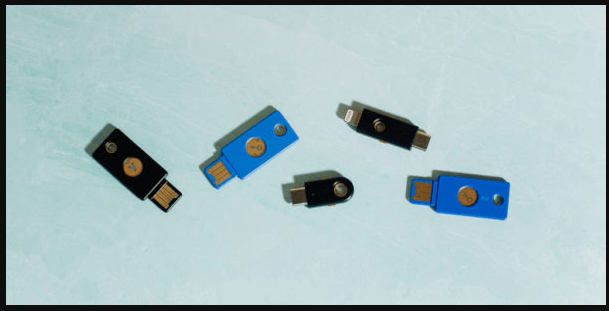
Who Wouldn’t Want a USB Security key for their PC or Mac?
Having a key for your systems, like PC or Mac, might sound odd but it could make the whole system safer. The user can use a USB drive for their PC and Mac, and this gives the system an extra level of physical security. When the USB security key isn’t present, then that would lock…
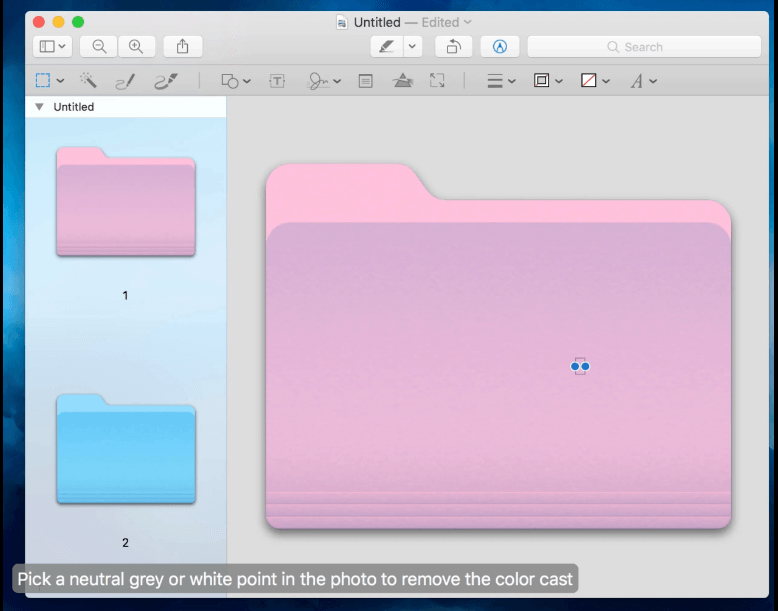
How to Change Folder Color on Mac?
Whether you do this to dress up your desktop a bit, make Finder easier to use, or want to use color to easily identify certain types of folders, you can do it in just a few moments. Here’s how. Apple provides several ways to customize your Mac’s desktop and its icons, including changing a folder’s…
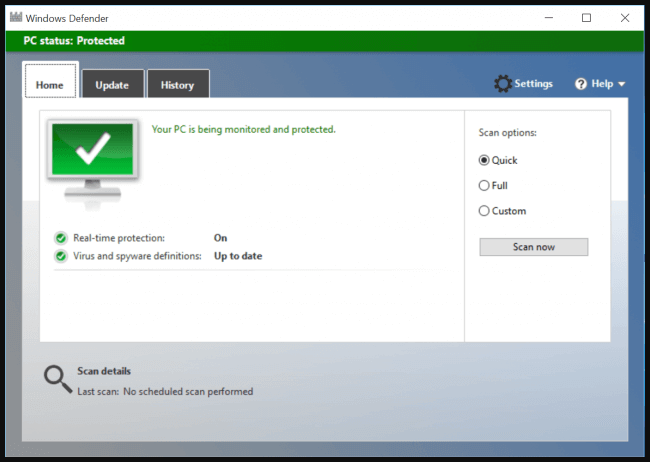
How to Turn on Windows Defender Antivirus?
Usually, office work has lots of Instruments, and software to run. It requires to ensure that all the user’s devices are secure. Turning on of Windows Defender antivirus, which is a built-in protecting tool for malicious software, could be a help to protect your devices. Here are a few methods that can use to enable…