





Category: Tutorials
How to Take a Screenshot Surface Pro 3?
Screenshots essentially have the capability of everything that happens to your desktop or smart screen at any time by just clicking the keyboard’s Print Screen key. Here is the solution for everything about the screenshots, whether you’re using a smartphone or desktop device, a touch or type cover, using a surface pen, or the tablet…

How to Poke a Friend on Facebook?
“Poking” is a convenient and habit-forming activity that’s people like to do for passing their time. Facebook offers this simple feature to remain connected with friends. Everyone can poke to their friends in a very simple way. It just needs to send an instant notification to friends listed peoples. In a poke, people write their…
How to Tell if Someone is Using your WiFi
Whenever, you notice your web browsing is slowing down or your Netflix streaming is not running properly, you have to check out your wireless activity. As there is a chance of stealing your Wi-Fi. You might have got your neighbor mooching off your internet. If you want to confirm that someone’s stealing your Wi-Fi in…

How to Delete Search History in the Browser?
Every browser has its History page which lists all the websites that you have visited using this browser. Usually, a browser stores the history of the last 90 days. A browser history often doesn’t store its own visited pages. For example, in Google Chrome, if you have visited chrome settings. The browser also not display…
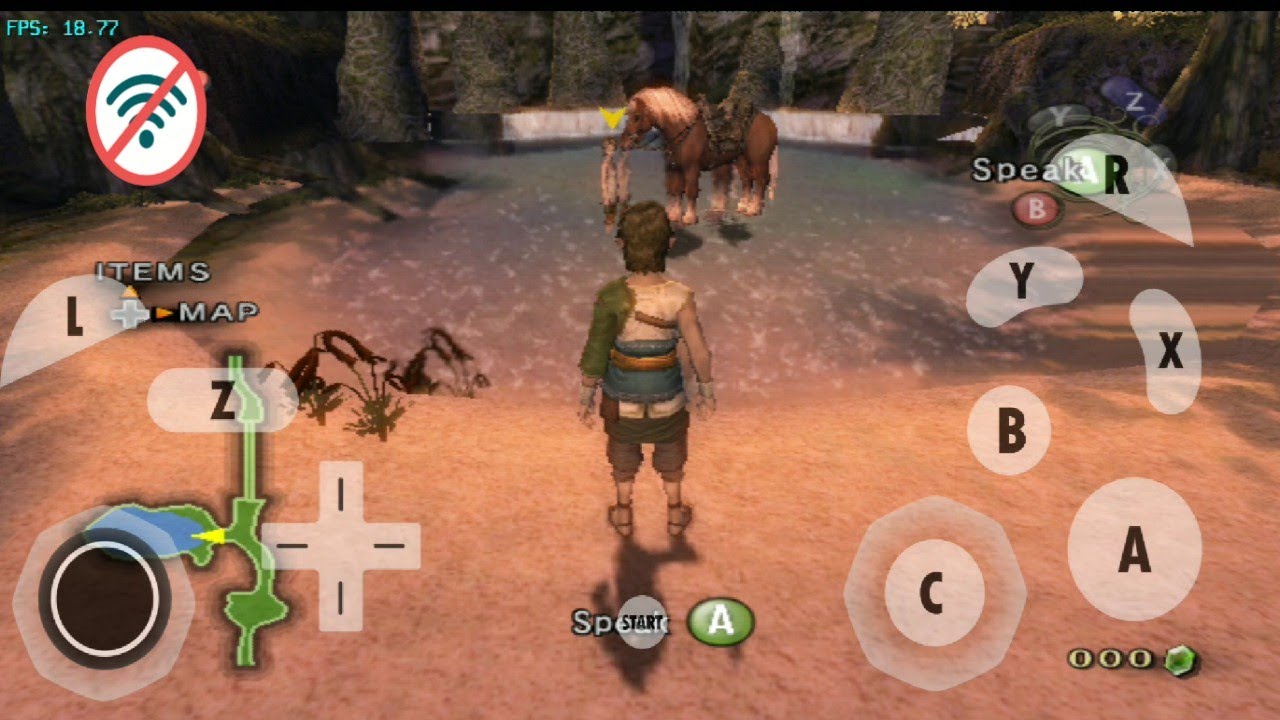
How to Download Games for Dolphin Emulator
Dolphin is a video gaming media software that is used all around the world. To download games for Dolphin Emulator by this simple trick. It is well known for its high compatibility with any device and operating systems, various available gaming features, steady development progress. Not only this, this software, also has the ability to…